
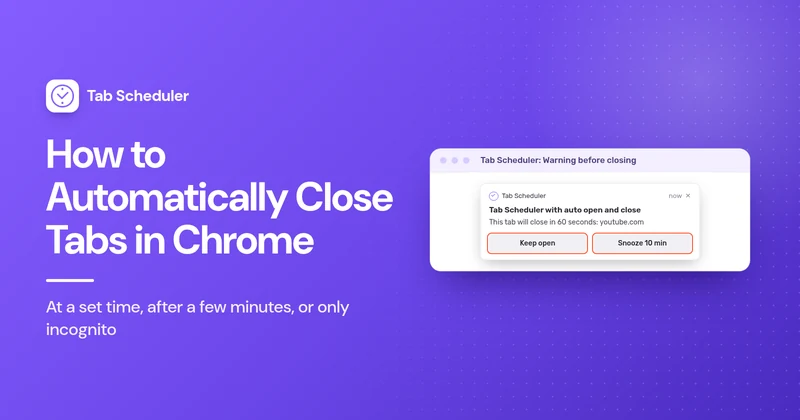
How to Automatically Close Tabs in Chrome
Close Chrome tabs at a set time, a set number of minutes after they open, or all at once, and see what Chrome does by itself on Android and iPhone.
Read more → አማርኛ
Amharic
 العربية
Arabic
 Български
Bulgarian
 Català
Catalan
 中文
Chinese
 Hrvatski
Croatian
 Čeština
Czech
 Dansk
Danish
 Nederlands
Dutch
 English
 Eesti
Estonian
 Filipino
 Suomi
Finnish
 Français
French
 Deutsch
German
 Ελληνικά
Greek
 עברית
Hebrew
 Magyar
Hungarian
 Bahasa Indonesia
Indonesian
 Italiano
Italian
 日本語
Japanese
 한국어
Korean
 Latviešu
Latvian
 Lietuvių
Lithuanian
 Bahasa Melayu
Malay
 Norsk
Norwegian
 فارسی
Persian
 Polski
Polish
 Português
Portuguese
 Română
Romanian
 Русский
Russian
 Српски
Serbian
 Slovenčina
Slovak
 Slovenščina
Slovenian
Español
Spanish
 Kiswahili
Swahili
 Svenska
Swedish
 ไทย
Thai
 Türkçe
Turkish
 Українська
Ukrainian
 Tiếng Việt
Vietnamese
Close Chrome tabs at a set time, a set number of minutes after they open, or all at once, and see what Chrome does by itself on Android and iPhone.
Read more →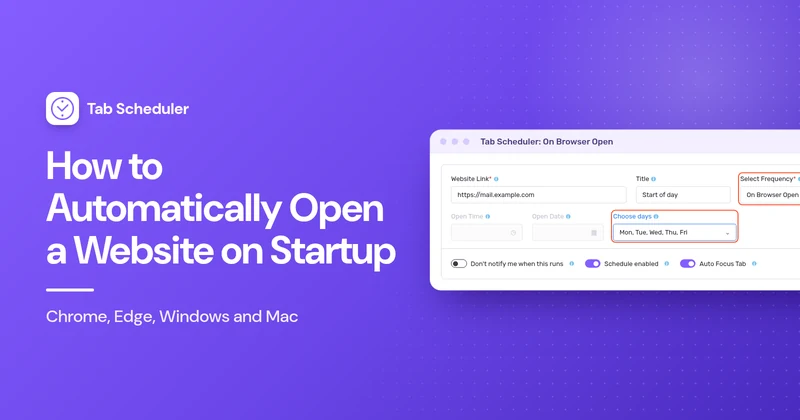
Open a website automatically when your browser or computer starts: startup pages in Chrome, Edge and Firefox, the Windows Startup folder, Mac Login Items, and different sites on different days.
Read more →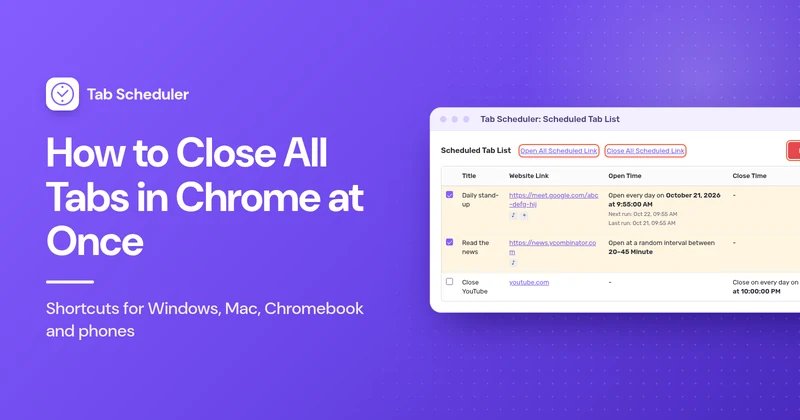
Close every Chrome tab at once on Windows, Mac, Chromebook, Android, iPhone and iPad, keep the tabs you need, and get them back if you close too many.
Read more →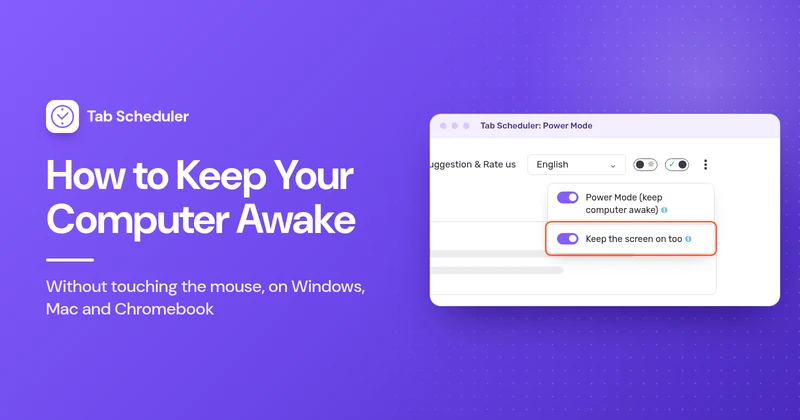
Keep your computer awake without touching the mouse: Windows 11 and Mac settings, PowerToys Awake, caffeinate, Chromebook, lid closed and work PCs.
Read more →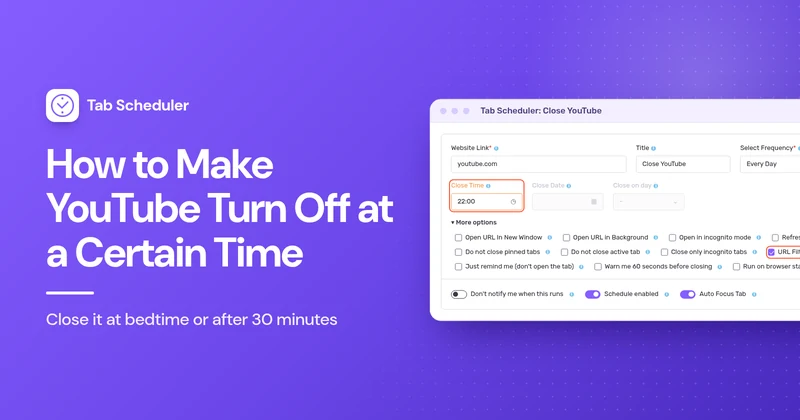
Close YouTube at 10 PM every night, or 30 or 60 minutes after it opens, with a free browser extension. Plus YouTube's sleep timer and iPhone and Android limits.
Read more →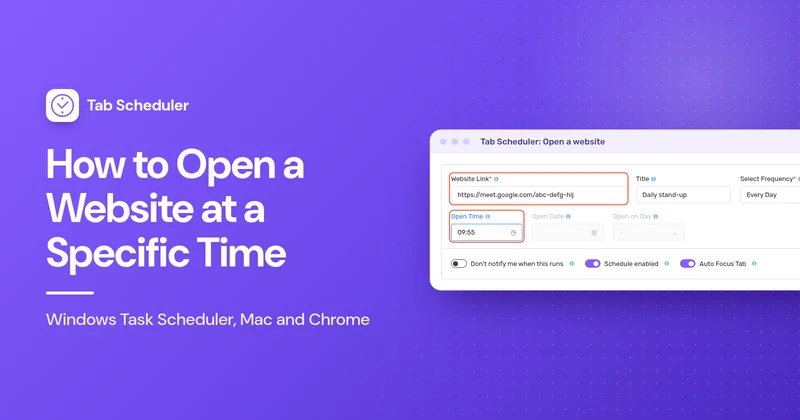
Open any website at a set time with Windows Task Scheduler, Mac Shortcuts or Calendar, or a free Chrome and Edge extension. Includes meeting links and fixes.
Read more →